
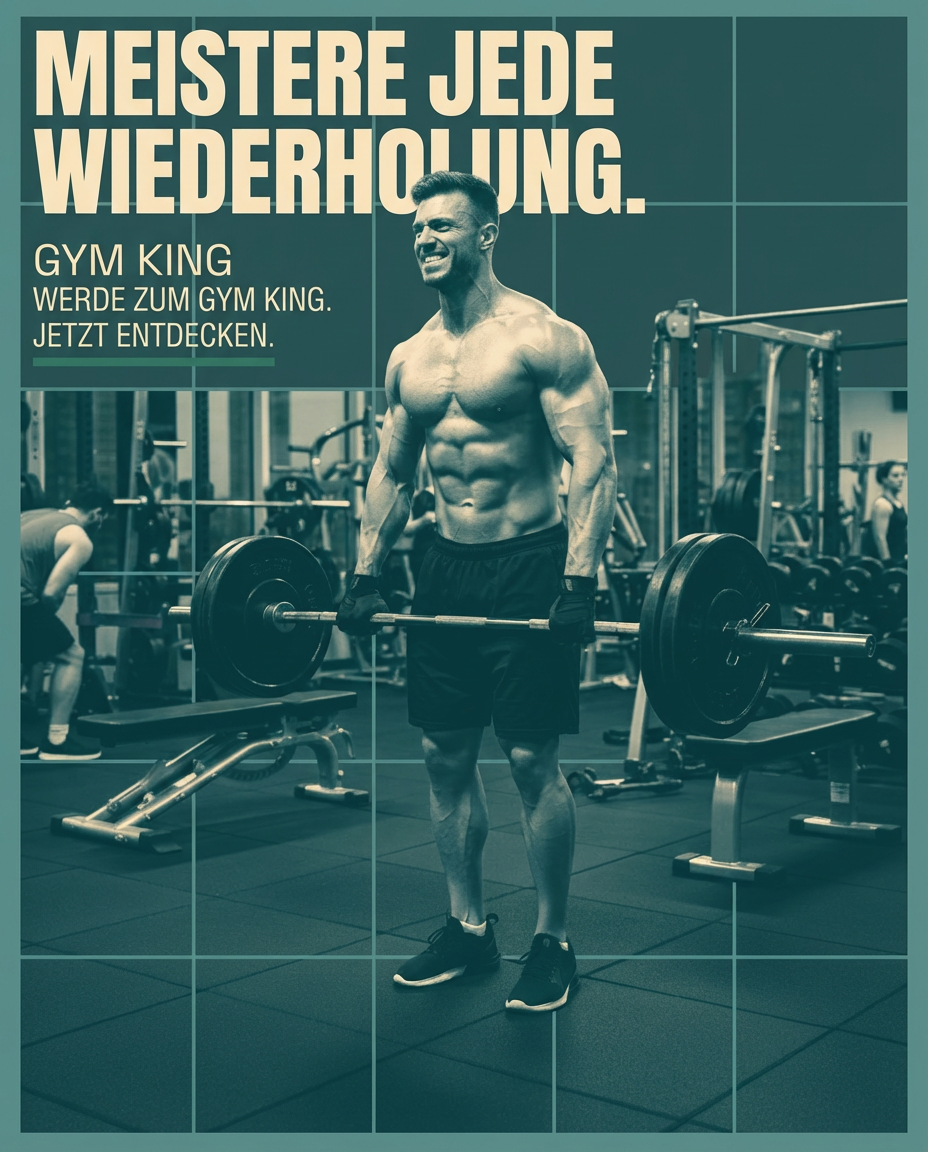
Imagine generating a unique, professional image for every social post, ad and campaign in minutes — no expensive designer, no stock-photo subscription. In 2026 that's not science fiction: AI image generators have gone from novelty to genuine competitive advantage for SMBs, tradespeople and service providers. This guide compares the tools that actually matter — from industry giants like Midjourney and DALL-E 3 to commercially safe options and free tiers for tight budgets — and shows you which AI image generator for social media fits your business, plus where a raw generator stops paying off.
Why your SMB needs AI images in 2026
For years, great visual content meant expensive software, a steep design learning curve, or hiring an agency. AI image generators change that: you describe an idea in plain language (a "prompt") and get a usable image back. That's a genuine revolution for businesses with limited time and budget. Picture a local bakery wanting to post its new seasonal pastry on Instagram — instead of a photoshoot, a short description delivers a fitting image in seconds.
The advantages at a glance
- Speed: create in minutes what used to take hours.
- Cost: far cheaper than photoshoots or freelance design.
- Uniqueness: every image is generated fresh, not a recycled stock photo.
- Creative range: visualize abstract ideas that would be hard to photograph.
- Scale: produce a whole campaign's worth of visuals effortlessly.
The best AI image generators for social media, compared
The market is crowded and moves fast. We compared the tools on the criteria that matter to a business owner: ease of use, image quality, customization, cost, commercial rights and — crucially — how close the output is to a finished social post.
| Tool | Best for | Free tier | Commercial use | Social-ready |
|---|---|---|---|---|
| publy.ch | Ready-to-post, on-brand social content for SMBs | 14-day free trial | ✓ | ✓ |
| Midjourney | Artistic, mood-driven visuals | No | Paid plans | ✗ |
| DALL-E 3 | Precise prompts, quick concepts | Bing Image Creator | Paid tiers | ✗ |
| Adobe Firefly | Commercially safe, brand-friendly | Limited credits | ✓ | ✗ |
| Leonardo.Ai | Product & marketing images | Daily credits | Paid plans | ✗ |
| Stable Diffusion | Full control, self-hosting, privacy | Open source | Model-dependent | ✗ |
1. Midjourney — the creative champion
Midjourney produces the most aesthetically striking, artistic images of the bunch. It runs mainly through Discord, which takes some getting used to, but the results are often breathtaking and perfect for organic posts that need a distinct mood.
- Strengths: Outstanding artistic quality, rich detail, unmistakable style.
- Weaknesses: Discord workflow, weaker at clean photorealistic product shots, paid only.
- Best use: Mood boards, header images and illustrative graphics that should evoke emotion.
2. DALL-E 3 — the all-rounder
OpenAI's DALL-E 3 excels at understanding complex, precise prompts and is baked into ChatGPT, so writing copy and generating an image happen in one flow. Bing Image Creator offers a free way in.
- Strengths: Excellent prompt understanding, flexible, solid photorealism, free option via Bing.
- Weaknesses: Can look a little generic, occasionally struggles with very specific technical detail.
- Best use: Ads, infographics, product shots and fast concept visualizations.
3. Adobe Firefly — the commercially safe choice
Firefly is trained on licensed and public-domain content and is positioned explicitly for commercial use, with tight integration into Photoshop and Express. For brands that worry about rights, that peace of mind is a real differentiator.
- Strengths: Commercially safe by design, strong brand/asset workflows, generative fill.
- Weaknesses: Slightly more conservative output, credit-based limits on free usage.
- Best use: Business campaigns where clear commercial rights and brand assets matter most.
4. Leonardo.Ai — the marketing workhorse
Leonardo.Ai has become a favorite for product and marketing imagery, with fine-tuned models, image guidance and a generous free daily credit allowance to experiment before you commit.
- Strengths: Great for product/marketing visuals, lots of control, daily free credits.
- Weaknesses: More settings to learn, best results need some experimentation.
- Best use: Product imagery, ad creative and repeatable marketing visuals.
5. Stable Diffusion — the flexible open-source champion
Stable Diffusion is open source and endlessly customizable. Run it locally for full data privacy or through hosted platforms. Results can be superb but usually demand more technical know-how.
- Strengths: Open source, highly customizable, can run locally, huge community and extensions.
- Weaknesses: Steeper learning curve, needs capable hardware locally, quality varies online.
- Best use: Advanced users who want maximum control or specialized workflows like style transfer.
Practical test: which tool wins for social media?
To ground the comparison, we ran three typical scenarios: an Instagram post for a new café, an ad for an online course, and a LinkedIn header on tech trends.
Scenario 1 — Instagram post for a new café
Prompt: "A cozy, bright café in Zurich with wooden tables, steaming coffee cups and fresh croissants on the counter. Warm, inviting atmosphere, sunlight through the window. Instagram aesthetic, softly blurred background."
- Midjourney: gorgeous, atmospheric, a real eye-catcher — but not always photorealistic.
- DALL-E 3: precise and vibrant, croissants clearly recognizable, almost like a real photo.
- Firefly / Leonardo.Ai: clean, commercially safe results that are easy to reuse in a campaign.
- Stable Diffusion: can match the others with the right model and settings, but needs fine-tuning.
Scenario 2 — Ad for an online course
Prompt: "Professional ad for an online course on digital transformation. A dynamic team working on a tablet with graphics. Modern, clean blue-and-grey background. Focus on innovation and collaboration. Clear, strong composition."
- DALL-E 3 & Firefly: the clear winners — authentic people, clean composition, ad-ready.
- Midjourney: often too artistic for a crisp, message-first ad.
- Stable Diffusion: strong with photorealism models, but more effort.
Scenario 3 — LinkedIn header on tech trends
Prompt: "Abstract representation of digital data streams and networked neurons. Glowing blue and violet on a dark background. Symbolizes artificial intelligence and connectivity. Futuristic, clean."
- Midjourney: shines here — abstract, artistic, visually impressive.
- DALL-E 3: good, though Midjourney edges it on pure aesthetics.
- Leonardo.Ai / Stable Diffusion: flexible and capable with the right setup.
The art of prompting: get better images every time
Image quality tracks prompt quality. A good prompt is a detailed brief to an artist — the clearer your instructions, the better the result. Master this and you get far more out of any tool.
A simple prompt playbook
- Be specific: name the subject, action, style, colors, lighting and mood. Not "a car" but "a red sports car on a wet street at sunset."
- Define the style: photo, illustration, watercolor, 3D render? Add cues like "photorealistic," "flat illustration," "minimalist."
- Set the composition: close-up, wide shot, bird's-eye view, negative space for text overlays.
- Add context: aspect ratio (square for feed, vertical for stories/reels), brand colors, and where copy will sit.
- Iterate: generate variations, then refine the one closest to your vision instead of starting over.
Where a generator stops — and publy.ch begins
Here's the honest catch: every tool above produces an image. A social post is more than an image. It needs your brand colors and fonts, a headline that stops the scroll, a caption, the right format for each platform, and a slot in your posting schedule. Stitching that together by hand — across Midjourney, a design tool and a scheduler — quietly eats the time the AI just saved you.
That's the gap publy.ch fills. Instead of prompting for a raw image, you pick a format (an Instagram post, a carousel, a announcement graphic) and get a finished, on-brand post — image, layout, copy — ready to publish or schedule. Your brand colors, fonts and logo are applied automatically, so everything is instantly recognizable as yours. If you're weighing a pure design tool, our publy.ch vs Canva comparison breaks down the difference, and the AI content generation glossary entry covers the wider workflow.
Use the generators for one-off hero art and creative exploration. Use publy.ch when the job is a steady stream of on-brand social content that actually ships — without a marketing department.